Searchable library
Find any screenshot by the words inside it.
That error message, that price, that confirmation number: you took a screenshot of it, but where is it? HashShot reads every capture once, on your Mac, so you can simply search for the words.
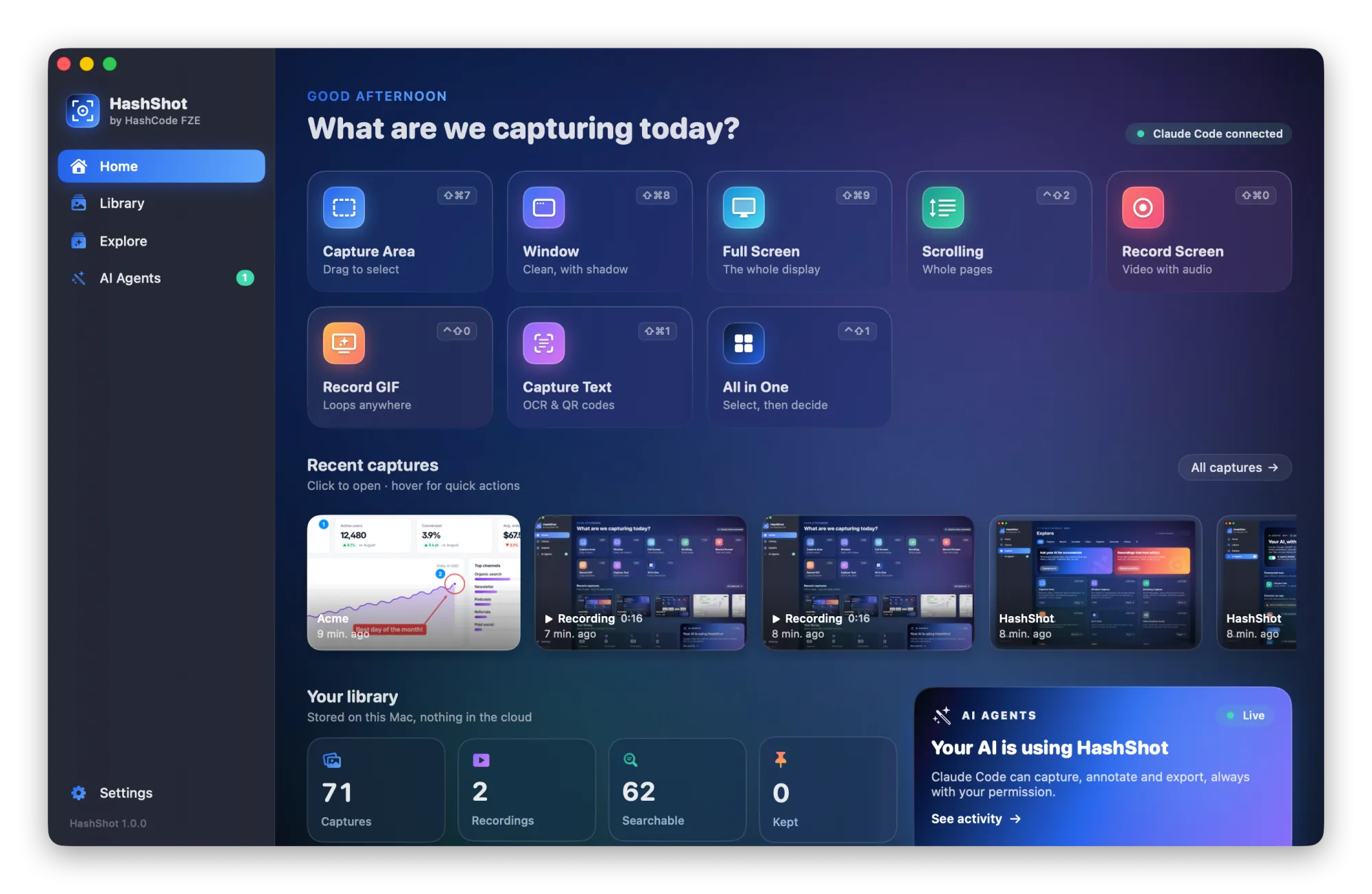
How it works
Three steps.
Capture as usual
Every screenshot and recording goes into your library.
HashShot reads it
Text is recognized once, on your Mac, in the background.
Search
Type any word you remember and the capture appears.
What you get
Built for work you share.
Part of HashShot, the screenshot and screen recording app for Mac that keeps everything on your Mac.
Search by content
Find captures by the text in them, not only by date or file name.
Keep what matters
Protect important captures from cleanup and find them in seconds.
Export a selection
Turn several captures into one PDF or ZIP, or AirDrop them to your phone.
Private library
The library and the recognized text live in your own Library folder.
FAQ
Questions, answered.
Can I search my screenshots by text on a Mac?
Yes. HashShot recognizes the text in every capture and lets you search your library by those words.
Is my screenshot text uploaded?
No. Recognition and search happen on your Mac.
Does it work for recordings too?
Yes. Recordings are added to the same library.
More from HashShot
Try HashShot free for 7 days.
Then $25 once, with a year of updates. No subscription, no account.