Privacy
A screenshot app that never uploads your screen.
Your screen shows client data, messages and passwords. HashShot is built to keep all of it on your Mac: there is no account, no cloud library and no tracking.
How it works
Three steps.
Install
No sign up. Try every feature free for 7 days.
Capture and record
Everything is saved in your own Library folder.
Share on purpose
Nothing leaves your Mac until you send it yourself.
What you get
Built for work you share.
Part of HashShot, the screenshot and screen recording app for Mac that keeps everything on your Mac.
No account, no cloud
There is no HashShot cloud. Your library lives on your Mac.
Automatic redaction
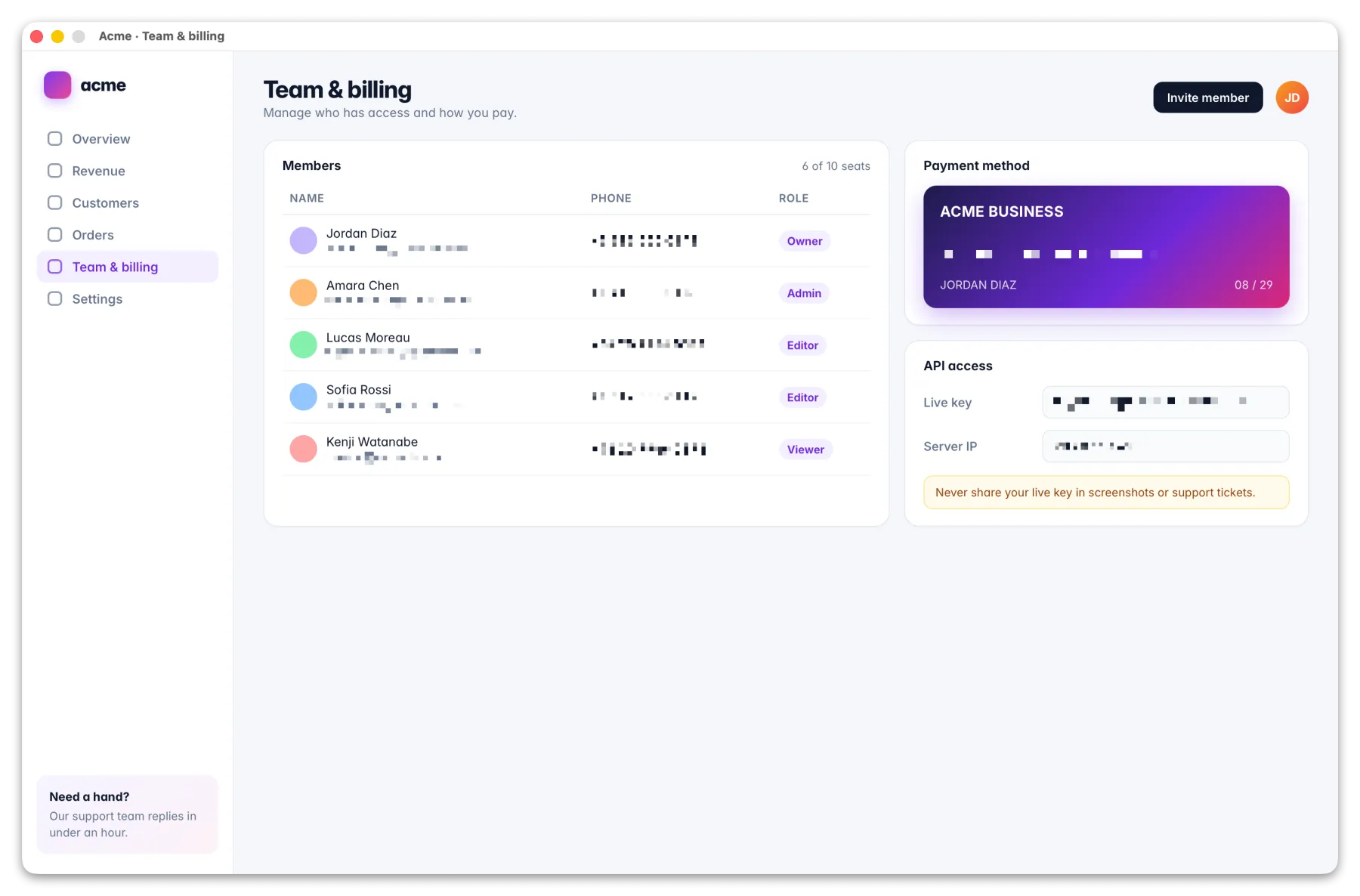
Emails, phone numbers, card numbers, IBANs and API keys can be blurred for good before you share.
Local intelligence
Text recognition, captions, background removal and redaction all run on your Mac.
Only the license
HashShot only contacts our server to activate your license and check for updates.
FAQ
Questions, answered.
Does HashShot upload my screenshots?
No. Captures, recordings, text and history stay on your Mac. See the privacy policy for the little we do receive.
Do I need an account?
No. You can try HashShot without an account, and a license key is all you need after buying.
What about AI agents?
Agents only receive a capture when they ask for one and you allow it. What they receive is handled by that AI app under its own policy.
More from HashShot
Try HashShot free for 7 days.
Then $25 once, with a year of updates. No subscription, no account.