Camera recording
Screen recording with your webcam, placed exactly where you want it.
Add your face to tutorials, demos and updates. The camera bubble works with area, window and full screen recordings, and you can move it, resize it or hide it even after you stop.
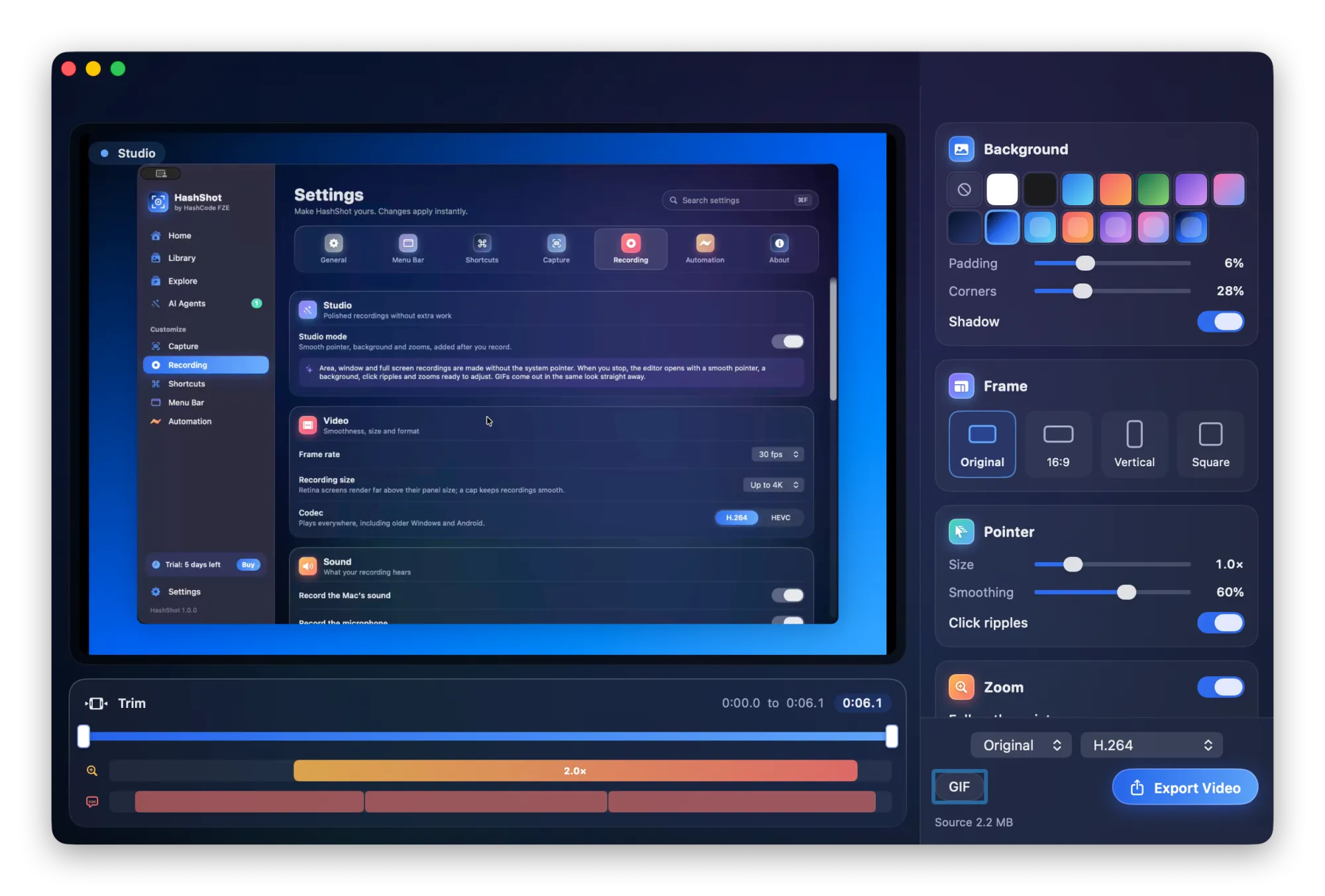
How it works
How to record your screen with your webcam.
Turn on the camera
In Settings, Recording, switch on the camera bubble and pick a camera, including virtual ones.
Record and place it
Drag the bubble anywhere and scroll or pinch over it to resize. The video follows.
Adjust afterwards
In the editor, move it to a corner, change its size and shape, or blur the room behind you.
What you get
Webcam recording, your way.
Part of HashShot, the screenshot and screen recording app for Mac that keeps everything on your Mac.
Movable during and after
The camera is recorded on its own, so its place and size can change after recording.
Blur the background
Keep yourself sharp and soften the room behind you, processed on your Mac.
Every kind of recording
Works for an area, a single window or the whole screen, even when the window is covered.
A clear voice
Background noise is removed from your microphone and your voice is levelled after you stop.
FAQ
Webcam recording questions
How do I record my screen and webcam at the same time on a Mac?
Turn on the camera bubble in HashShot's Recording settings, then record an area, a window or the full screen. Your camera appears in a bubble you can place anywhere.
Can I move the webcam after recording?
Yes. HashShot keeps the camera as its own track, so in the editor you can move it to any corner, change its size and shape, or hide it.
Does it work when recording a single window?
Yes. HashShot draws the camera into window recordings too, where it would normally be missing.
Can I blur my background?
Yes. Turn on Blur background in the editor's Camera section. It keeps you sharp and blurs the room behind you, on your Mac.
More from HashShot
Try HashShot free for 7 days.
Then $25 once, with a year of updates. No subscription, no account.